
ChatGPT Image Prompts for Small Business: Create Pro Visuals in Minutes

If you run a small business, you already know the struggle: you need a new logo, a flyer for your weekend sale, a banner for your Instagram story. Hiring a designer costs time and money you don't always have. That's where ChatGPT image prompts for small business are changing the game. Since GPT Image 2 launched in April 2026, creating professional-grade marketing visuals from a simple text description is now genuinely possible. No design skills required.
In this guide, we'll break down exactly how to use ChatGPT's AI image generator to produce logos, flyers, posters, and social media graphics that look the part, and how ready-made prompt templates can shortcut the entire process.
What GPT Image 2 Means for Small Business Owners
GPT Image 2, the model behind ChatGPT's image generator, renders readable, correctly-spelled text inside a graphic at close to 99% accuracy. That's the single feature that makes it actually useful for real-world business marketing.
Previous AI image tools were creative but unreliable. They'd garble your business name, smear your sale price into illegible blobs, or produce stunning imagery that was completely unusable the moment you needed words on it. GPT Image 2 solves that. You can now describe a promotional flyer, include the copy you need, and get back something you can actually use.
On top of text rendering, the model brings:
- Reasoning before rendering: ChatGPT thinks through the layout before generating, which means fewer composition errors on complex visuals like product mockups and banners.
- Multi-image output: Get several variations of a single concept so you can choose the strongest one.
- Better instruction-following: The model is far more precise about style, color palette, and composition when you give it detailed direction.
The result: small business owners can now produce logos, event flyers, social graphics, packaging mockups, and promotional banners by typing a description and actually get usable output on the first or second try.
How to Write ChatGPT Image Prompts That Actually Work
The biggest mistake business owners make is writing vague prompts and expecting magic. The model rewards specificity. Think like a creative director giving a brief, not someone typing a Google search.
A strong prompt structure follows this pattern: subject, style, colors, mood, technical constraints. Here are a few examples built for common small business needs:
Logo prompt: "A minimalist pictorial logo for a specialty coffee shop. Clean line-art illustration of a coffee cup with steam forming a subtle leaf shape. Color palette: deep espresso brown and warm cream on a white background. Modern, approachable, suitable for print and digital use. No gradients, no shadows, no text."
Promotional flyer prompt: "A bold, eye-catching event flyer for a summer sale. Top third: large sans-serif heading reading 'Summer Sale, 30% Off Everything'. Middle: illustrated sun and tropical leaf motifs. Bottom: clean white space for contact details. Color palette: coral, white, and navy. 9:16 vertical format. Modern flat design style."
Social media banner prompt: "A clean Instagram announcement graphic for a new product launch. Centered product image placeholder surrounded by soft abstract shapes in pastel blue and gold. Minimal, elegant, premium feel. 1:1 square format. No text overlay."
Notice how each prompt defines the subject, style, colors, format, and constraints ("no gradients", "no text"). That level of detail is what separates a usable result from a frustrating one.
The 5 Best Use Cases for AI Marketing Visuals
Not every design task is the same. Here's where ChatGPT image generation pays off most for small business owners:
- Logo concepts: Generate 4 to 8 visual directions before committing to one style. Use the best concept as a brief for a human designer, or refine directly in ChatGPT.
- Event and sale flyers: Create a promotional flyer in minutes for weekend sales, local events, or seasonal campaigns. Since the model handles text accurately, the copy can go straight into the prompt.
- Social media graphics: Produce consistent, on-brand visuals for Instagram, Facebook, or Pinterest without maintaining a template library in Canva.
- Product mockups: Visualize your product in context before investing in a photoshoot. Great for packaging, apparel, or gift products.
- Menu boards and signage: Design printable in-store visuals for cafes, boutiques, or pop-up markets.
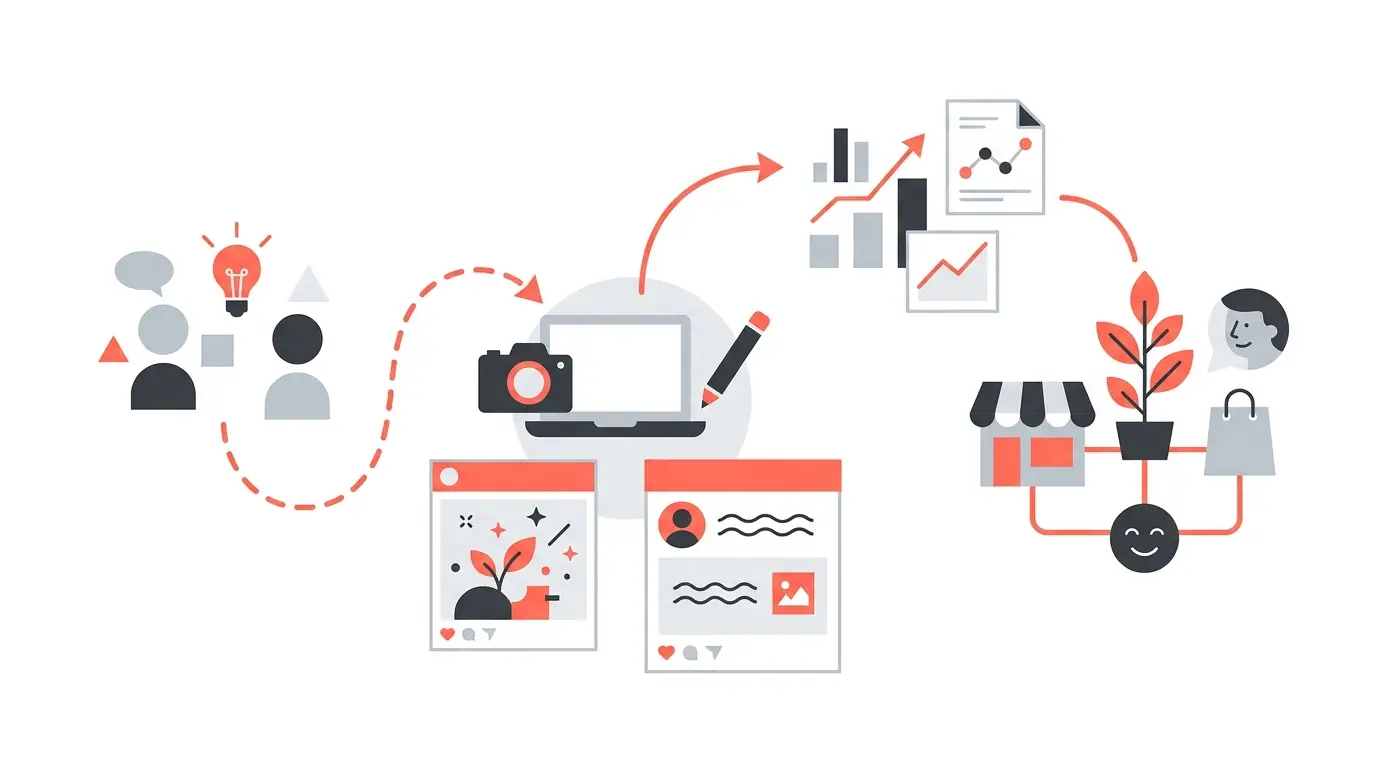
Why Ready-Made Prompts Save You Hours
Writing a great prompt from scratch is a skill, and it takes time to learn what works. You'll spend the first few sessions experimenting with phrasing, discovering which style descriptors produce what you're imagining, and learning how to add constraints that prevent the AI from making strange choices.
That's exactly why professionally crafted prompt templates are so valuable for business owners. At PromptPlaza.store, every prompt was built by a professional graphic designer with real client work experience. These aren't generic suggestions. They're the same types of briefs a designer would write to get predictable, high-quality results. Templates cover logos, flyers, posters, social media graphics, product mockups, icons, stickers, and illustrations.
Instead of spending an afternoon figuring out why your logo prompt keeps generating the wrong style, you start with a template that's already been tested and tuned. Then customize it for your brand. It's the difference between building a workflow from zero and stepping into one that already works.
Getting Consistent Results: Tips for Small Business Owners
Once you have a prompt that works, consistency is the next challenge. Here's how to build a reliable AI design workflow:
- Save your winning prompts. When a prompt produces something close to what you need, save the exact text. You'll iterate from it next time rather than starting over.
- Define your brand palette upfront. Include your hex colors or describe them precisely ("deep navy #1a2b4a and warm gold") so every visual stays on-brand.
- Use the multi-image feature. Always generate 4 or more variations. The first image is rarely the best. Variation three or four often surprises you.
- Be specific about format. State "9:16 vertical for Instagram Stories" or "16:9 landscape for Facebook cover" so the composition is built for where it's going.
- Add negative constraints. Include what you don't want: "no stock photo look", "no clutter", "no neon colors". This keeps the AI from making unexpected choices.
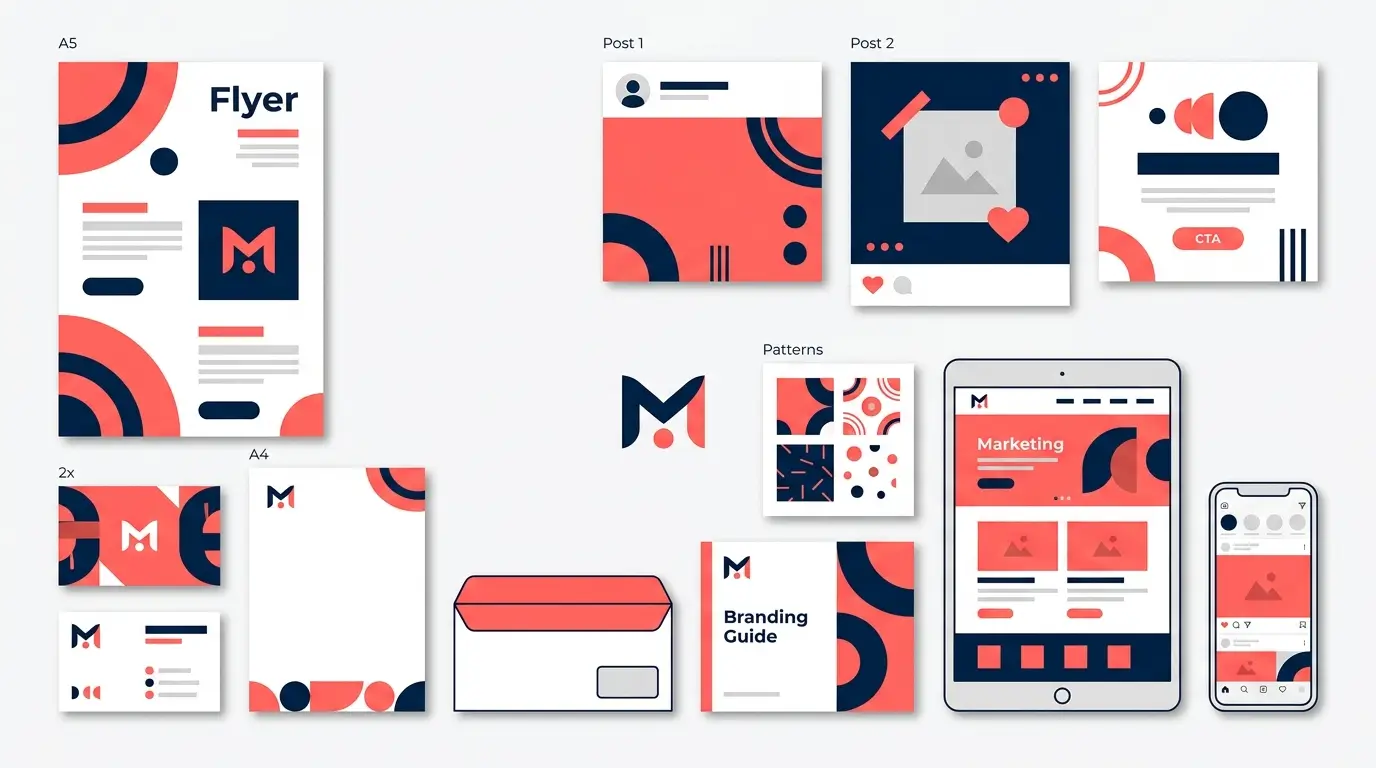
Start Creating Today
ChatGPT's image generator has made AI-generated marketing visuals practical for small business owners in a way that simply wasn't possible before. With the right prompts and a clear visual brief, you can produce logos, flyers, social graphics, and product mockups that look professional. No waiting for a designer. No budget you don't have.
The key is starting with prompts that are already built to work. Explore our full collection at PromptPlaza.store and start creating visuals today. Whether you need a logo concept, a sale flyer, or a complete set of social media graphics, there's a ready-made prompt template waiting for you.


