
ChatGPT Image Prompts for Social Media Graphics That Actually Work

I spent 45 minutes in Canva last week trying to make a quote card that didn't look like everyone else's. I kept dragging the same three fonts around, switching color palettes, hating it. Then I opened ChatGPT, typed a prompt, and had something usable in under two minutes. Better than the Canva version. That's where I realized the problem: templates are the enemy of originality.
This post is about using ChatGPT's image generator to make social media graphics that actually stand out. Not stock-photo-with-a-serif-font stuff. Real graphics: quote cards, story backgrounds, product tiles, reel covers. The kind you'd spend an hour building manually in Canva, or two hours arguing with your brain over in Illustrator.
And here's the thing nobody tells you: the prompt matters more than the tool. A bad prompt gives you something generic. A good prompt gives you something you'd actually post.
Why Templates Are Killing Your Feed
Canva is great. I use it. But the problem with template-based design is that tens of thousands of other creators are using the exact same template, with the exact same colors, and the exact same layout. Your audience has seen your graphic before they've even seen your graphic.
ChatGPT's image generator works differently. You describe what you want and it builds from scratch. No templates. No one else starts from your prompt. So the output is actually yours, or at least it comes from a more original place. (It's not perfect, which I'll get into, but the ceiling is much higher.)
The catch is that you have to know what to ask for. Generic prompts get generic results. "Make a motivational quote graphic" is almost as bad as picking a Canva template. Specific prompts, with real details about style, color, mood, and layout, are where it gets interesting.
The 3 Types of Social Media Graphics Worth Generating with AI
Not everything works well with AI generation. Text-heavy layouts with exact fonts and pixel-perfect dimensions are still sometimes faster in Canva or Figma. But these three? AI is surprisingly strong at them.
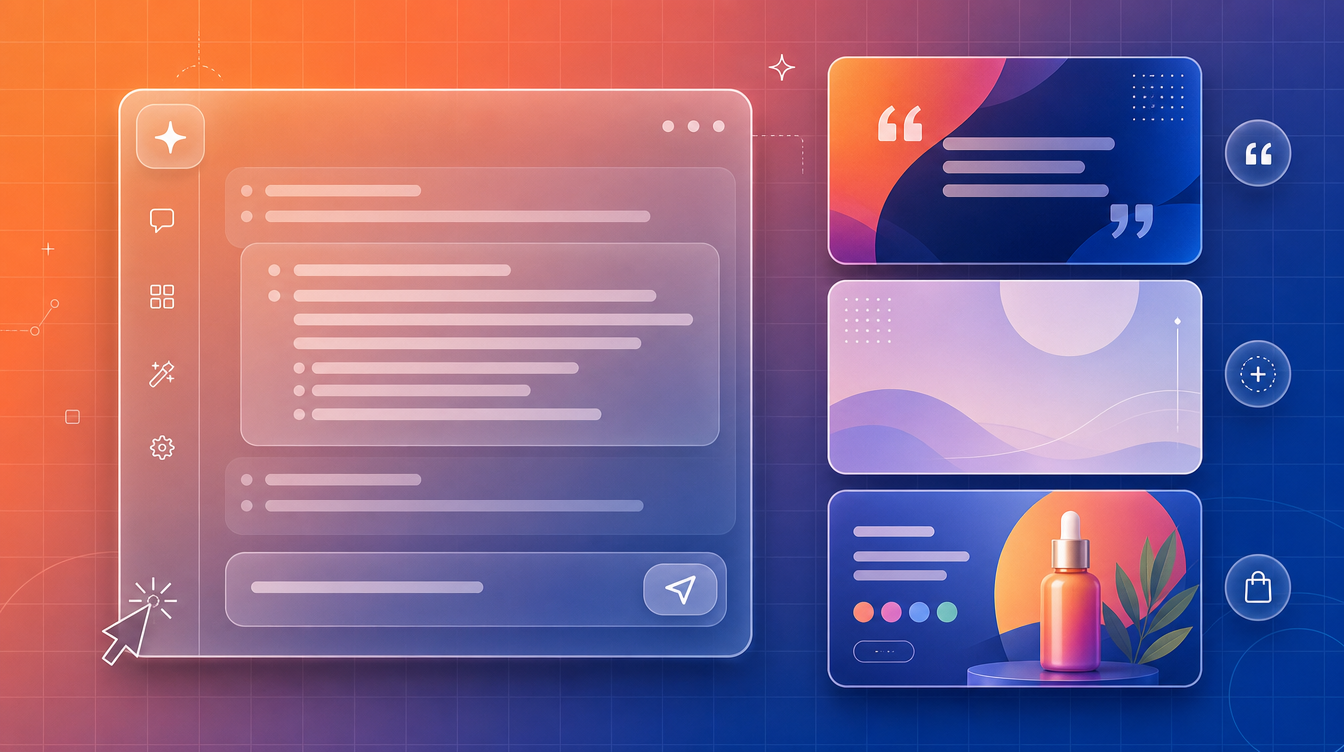
Quote and text cards. Bold background, readable text area, some visual texture. The current model renders short headlines cleanly, and the background and composition it generates make a strong base you can drop your own copy onto.
Story backgrounds and mood textures. Abstract gradients, soft blurred shapes, organic textures. These are pure prompt territory. You're basically making wallpaper, and AI is genuinely good at that. The output is reusable across multiple posts too.
Product showcase and mockup tiles. If you sell something, showing it in a polished context (floating above a gradient, surrounded by relevant props, on a clean surface) is where AI saves serious time. What used to take 30 minutes in Photoshop is now a well-written prompt.
Writing a Prompt That Gets You Something Usable
Most people write prompts like they're texting: "Make a cool graphic for Instagram with a gradient." That's not enough. You need to think like a designer briefing another designer.
The five things every graphic prompt needs: style (editorial? minimal? bold? retro?), color palette (specific or directional), composition (what's in the foreground, background, margins?), mood (airy and bright? moody and dark?), and what to avoid (no faces, no text, etc.).
Here's a before/after that changed how I write prompts:
Weak prompt: "Instagram quote background with pink and purple."
Strong prompt:
The second version gives the AI something to work with. The first one is a coin flip. One thing I've noticed: the more specific your style reference, the better. "Editorial" performs differently than "aesthetic." "Dusty rose" works better than "pink." "Organic blurred shapes" is clearer than "abstract."
Prompts for Story Backgrounds and Texture Posts
Story backgrounds are the easiest win. You need something that reads well vertically, doesn't compete with text you'll overlay, and has some visual interest. Here's a prompt I've reused in about six different color versions:
You can swap the colors entirely and the structure holds up. Try "teal-to-midnight blue" or "sage green to soft cream" with the same core description. Same base prompt, different vibe.
Retro and Bold Text Styles for Reel Covers and Carousels
This is where it gets fun. Retro aesthetics, neon glows, chrome lettering, 80s type effects: these are hard to do quickly in Canva and time-consuming in Illustrator. But as an AI prompt? They render fast.
The trick with retro text prompts is to specify the exact era and output style you want. "80s" is too broad. "Chrome metallic beveled text on a black background with orange glow, 1983 action movie poster style" is what gets you something worth using. If you want ready-built prompts for this exact style, the Retro Text Designs With Effects prompt at PromptPlaza was built from real merch and poster client work and covers the full range: chrome, neon, grunge, chrome-on-dark, and more.
Here's a carousel cover prompt that works well for a dark, editorial look:
Add your final copy on top in Canva if you want pixel-perfect type. The AI handles the visual weight and style; you handle the exact wording. That split workflow is faster than doing either fully in one tool.
Keeping Your Posts On-Brand Across Generations
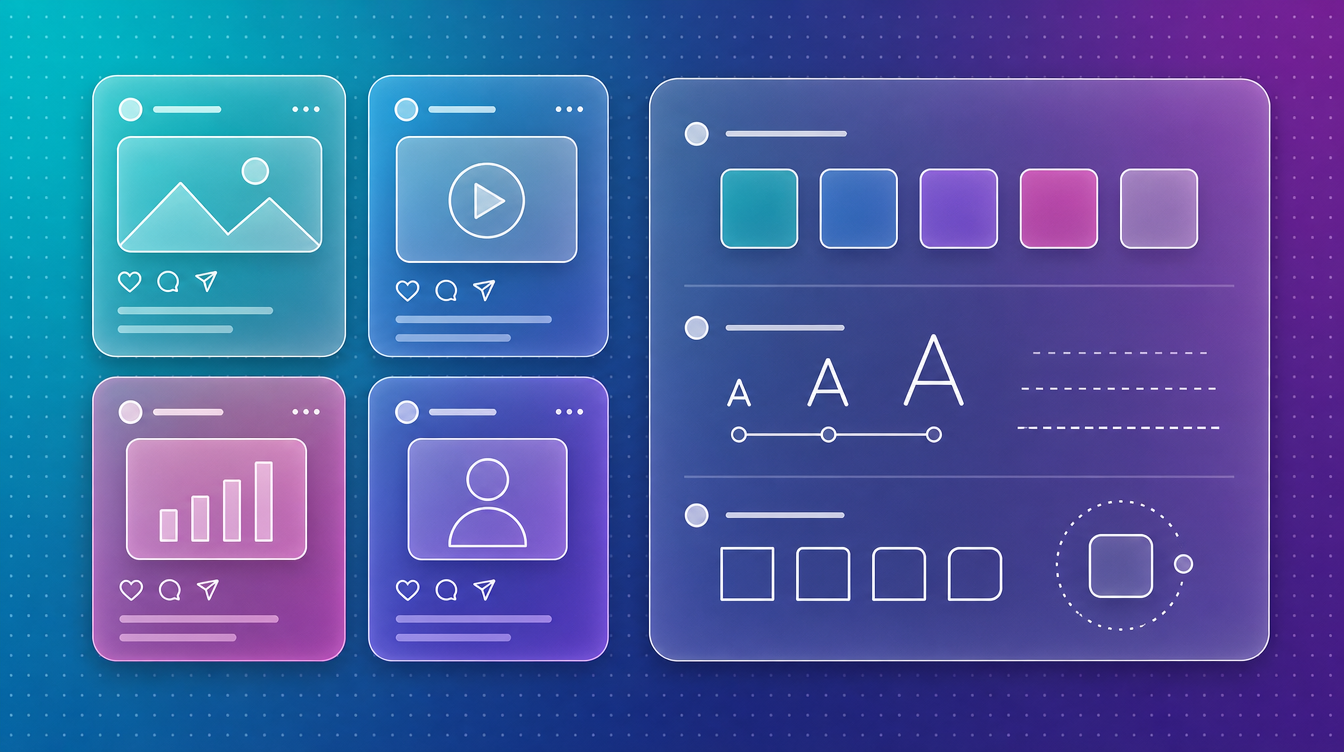
Here's what most people get wrong: they use ChatGPT to generate one-off graphics and then wonder why their feed looks inconsistent. The problem isn't the tool. It's that they're writing a different prompt every time.
The fix is to build a "base prompt" for each of your graphic types and only change one thing per post. Keep your background style, your color palette, and your composition description exactly the same. Only change the mood or accent color for seasonal content.
So instead of writing from scratch every time, you have: "my standard story background prompt" and you just swap "dusty rose" for "forest green" in October. Your feed reads as cohesive because the structure is identical. (This is also how I approach client work: build the system first, let the individual assets follow the system.)
If you're creating content to promote a product or shop, the 3D Floating Product Box Mockups prompt at PromptPlaza generates professional-grade product showcase visuals with the same consistent structure every time. Built from actual client presentation decks, not invented from scratch.
Product and Promo Graphics for Creators Who Sell Things
If you have something to sell (digital products, merch, a course, physical goods), you need graphics that make the thing look good without a full photography setup. This is one of the strongest use cases for ChatGPT image generation right now.
The key is specificity about what the product looks like and what context it's in. Don't say "make my product look good." Say: "A [describe your product type] floating on a minimal gradient background, soft shadow below, cinematic lighting from the upper left, no background clutter." That's a prompt the generator can work with.
And if you're also creating the content around the product (captions, video hooks, the whole package) the Viral Hook Generator for Video Creators is worth having alongside your visual prompts. It handles the copy side: generating hooks and intros that match the visual energy you're building.
Want to browse prompts built specifically for content and marketing visuals? The Marketing and Ads collection covers the full range, from promo tiles to ad mockups to social post templates.
Frequently Asked Questions
Can ChatGPT image generator create ready-to-post social media graphics with text?
Increasingly, yes. The current model renders short headlines at close to 99 percent character accuracy, though font control is still limited. The best workflow for pixel-perfect type: use ChatGPT for the visual background, composition, and style, then set the exact copy in Canva. You get the originality of AI generation plus the precision of a design tool.
What aspect ratio should I use for Instagram posts vs. stories?
For feed posts: 1:1 (square) or 4:5 (portrait). For stories and reels covers: 9:16 (vertical). Specify the intended format in your prompt, like "portrait, vertical, Instagram story format," and ChatGPT adjusts the composition accordingly.
How do I make multiple graphics that look consistent with ChatGPT?
Build a "template prompt" with your core visual specs locked in: color palette, style direction, composition structure, mood. Save it as a text file or note. For each new graphic, copy that base prompt and only change one element (background color, props, scene). Your feed will read cohesive because the underlying structure is identical every time.
You Can Build a Whole Visual System This Way
This is the part that surprised me most when I started doing it seriously. You're not just making one-off graphics. You're building a repeatable system. Base prompts for each content type, a small set of color palettes, a defined style direction. Once the system exists, each new post takes 5 to 10 minutes instead of 45.
That's the actual value here. Not "AI made something pretty" but "I now have a process that scales." The prompts themselves are the asset, not the individual images.
If you want to accelerate that system-building, PromptPlaza prompts come from real project experience. The Retro Text Effects prompt came from poster and merch work. The mockup prompts came from brand presentation decks. They've been tested on actual deliverables, not theory.


