Don't Waste Thousands on Designers: Create Anything with ChatGPT Prompts in 2 Minutes
A few years ago, I needed a logo for a side project. I hired a freelance designer. The brief took an hour to write. The back-and-forth took two weeks. The final file cost $600, and I used maybe one of the five concepts she sent.
Last month, I needed a logo for a new brand. I wrote a prompt. Got 20 variations in about 90 seconds. Refined three of them in another two prompts. Had exactly what I needed inside of 10 minutes.
This is not a knock on designers — great design work still needs human judgment, especially at the strategic level. But for the everyday creative tasks most small business owners and content creators actually need done, AI prompt workflows have completely changed the math. Speed, cost, iteration — all of it looks different now.
What You Can Actually Create with AI Image Prompts
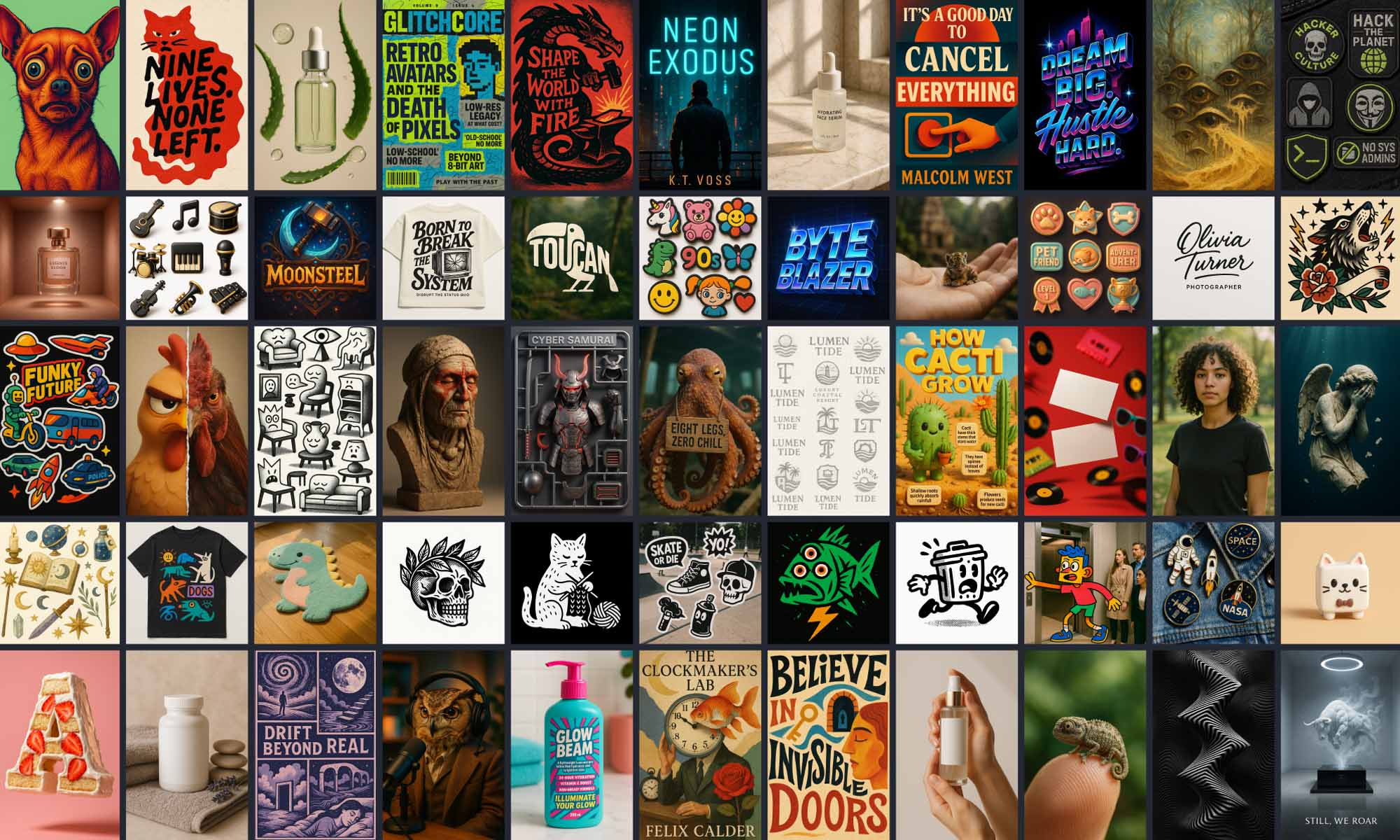
The realistic scope of what's achievable with AI image generation prompts in 2026 is wider than most people realize. I've used them for all of the following:
Logos and brand marks — particularly useful for early-stage work before committing to professional branding. Product mockups — placing your product in lifestyle settings without a photographer or stylist. Social media graphics — post templates, story cards, carousel cover images. Ad creative — visual assets for Facebook, Instagram, and Google display. ebook covers, course thumbnails, website hero images, and presentation graphics.
The common thread: these are assets where you need something professional-looking quickly, you need to test multiple variations, and you're not yet at the scale where custom illustration or a full brand system is warranted.
How Much It Actually Costs
Here's the comparison I ran when I switched most of my visual asset creation to AI workflows:
A custom logo with a freelancer I trusted ran $500-800. The same outcome with AI prompts: about $5-15 in image generation credits, depending on the platform. A product mockup set from a photographer or mockup designer: $150-300. AI equivalent: under $10. An ad campaign's worth of visual assets — 10-15 pieces across formats: $800-1,200 from a designer. AI equivalent: an afternoon and maybe $20 in credits.
The numbers are approximate and vary by quality tier and platform. But the order of magnitude is right. For the type of assets I described above, AI generation is dramatically cheaper and dramatically faster.
More importantly: the iteration cost goes to zero. If a traditionally produced asset is wrong, getting a revision costs time and sometimes money. With AI, you regenerate in 30 seconds and try a different direction.
The Prompts That Produce Usable Work
The difference between AI outputs that look like AI and outputs that look like they came from a real designer is almost entirely in the prompt. Generic inputs produce generic outputs. Specific prompts that reference visual language, style, and use case produce outputs you can actually use.
A few notes on what makes that prompt work: specifying "icon only, no text" prevents the hallucinated text problem that AI image generators produce when you ask for logos with letterforms. "Works at small sizes" shifts the composition toward simpler shapes that read clearly. The style and color parameters give the model a much narrower output range to work within.
For product mockups, the important elements are scene, lighting, and output channel:
The "output suitable for [channel]" instruction is one most people skip. It shifts the composition automatically — a Shopify product page needs different framing than an Instagram post, and specifying the channel lets the model optimize for that without you having to describe composition rules explicitly.
The Design Tasks Where You Still Need a Human
I want to be direct about where the limits are, because overstating this doesn't help anyone.
AI image generation struggles with anything that requires sustained consistency across many pieces — a full brand identity system where every touchpoint matches precisely, a product label where text and layout need to be exact, complex UX/UI design where hierarchy and spacing rules apply. These tasks require human judgment that current generation models don't have.
It also struggles with text rendering in images. Logotypes that require specific letterforms, any infographic with legible text, design work where copy needs to be integrated precisely into a visual — these don't work reliably with AI generation alone. (You can use AI to generate the visual layer and add text separately in a design tool, which is what I do.)
For multi-platform brand systems, complex illustration, UX/UI design, motion graphics, and anything requiring legal accuracy (regulatory labels, compliance documentation) — hire a professional. The efficiency gains in everyday asset creation are real. The limits are also real.
A Practical Starting Workflow
Here's how I approach new visual needs:
Step 1: Write the brief in ChatGPT first. Ask it to help you clarify the visual direction: "I need a product hero image for [PRODUCT] for use on a Shopify store. Ask me 5 questions that will help define the visual direction." The questions reveal what I haven't thought through yet.
Step 2: Convert that brief into an image generation prompt. Use the structures above. Run 5-10 variations on the first pass.
Step 3: Pick the best 2-3 results and refine with targeted follow-up prompts. "Same composition, warmer color palette." "Same style, different angle." "Version without the background element."
Step 4: Export and do any text integration or final formatting in Canva, Figma, or whatever design tool you use.
That workflow produces commercial-quality assets for most everyday needs. And it takes 20-30 minutes instead of 2 weeks and several hundred dollars.
Frequently Asked Questions
Do I own the copyright to AI-generated images?
This varies by platform. Some AI generation platforms grant you full commercial rights to outputs; others have restrictions. Check the specific terms of whatever tool you're using before using outputs commercially. Most major platforms aimed at businesses do grant commercial usage rights.
What's the best AI image generation tool for this workflow?
It depends on the task. Midjourney produces consistently high-quality artistic and photorealistic outputs. DALL-E 3 (via ChatGPT) is accessible and handles concept-first prompting well. Firefly (Adobe) integrates with Creative Cloud and is designed with commercial use in mind. For most of the outputs described in this post, any of the three will work.
Can I use these images on my Shopify store?
Yes, subject to the licensing terms of your generation platform. Many store owners use AI-generated product lifestyle images and background visuals routinely. For product images showing the actual product, you still need real photography — but for lifestyle context, backgrounds, and brand imagery, AI generation works well.
How do I get consistent style across multiple AI-generated assets?
Build a style anchor into every prompt: a fixed set of descriptors for lighting, palette, style, and mood that you copy into every image generation prompt for a given brand. Over time, the consistent modifiers produce a recognizable visual language. It won't match the precision of a manual brand system, but for content and marketing assets it's usually enough.
More Prompt Collections
The image generation, branding, and mockup prompt collections at PromptPlaza are built for exactly this workflow — specific, tested prompts for logos, product shots, ad creative, and social media assets, organized by output type.