
Debugging ChatGPT Prompts: The Ultimate Guide to Fixing Errors and Boosting Output Accuracy
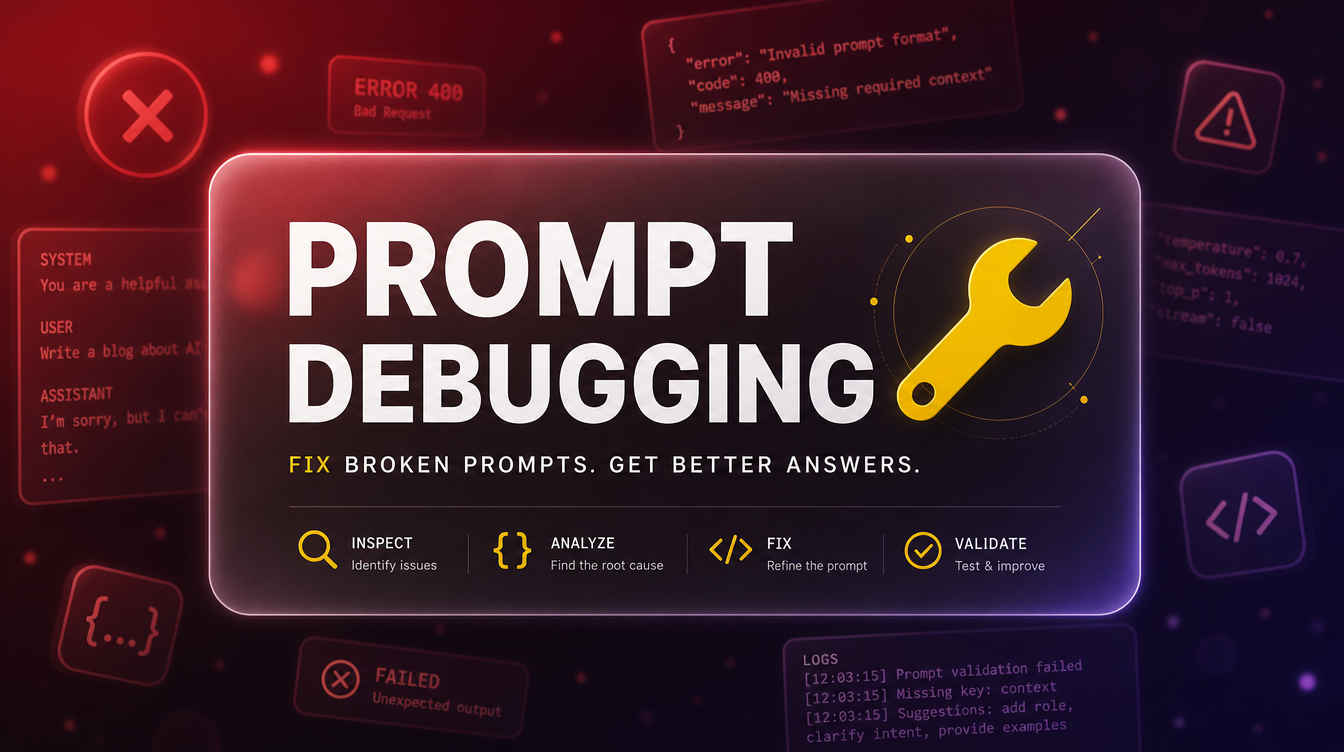
I've written thousands of prompts at this point, and I still get bad outputs regularly. Not because prompting is unreliable — it isn't. Because every new task has its own failure modes, and until you've run a specific prompt a few times, you're still finding them.
The difference between someone who gets frustrated and gives up on ChatGPT and someone who consistently gets professional-quality outputs isn't talent or some special technique. It's the ability to look at a bad output and diagnose what specifically went wrong — then fix that thing, not everything.
This guide is a systematic approach to prompt debugging: how to read a failing prompt, where the problem almost always lives, and what to do about it.
Why Prompts Fail: The Root Causes
Bad outputs almost always come from one of five places. Once you can identify which one you're dealing with, fixing it is usually straightforward.
Missing context. ChatGPT fills every information gap with a default assumption. Those defaults are calibrated for average use cases, not yours. When the output feels generic or off-target, the first question is: what did I not tell the model that it needed to know?
Ambiguous intent. If your prompt could mean more than one thing, ChatGPT will pick one interpretation — usually the most common one, not necessarily the one you meant. "Write a summary" is ambiguous. "Write a 3-sentence executive summary for a non-technical audience" is not.
Wrong or missing role. Role assignment creates a frame the model uses to select vocabulary, assumptions, and perspective. A prompt without a role gets the model's neutral default voice — which is often too academic or too casual for professional work. The wrong role is just as bad: asking a "startup founder" to write legal copy produces different results than asking an "attorney who specializes in SaaS contracts."
Format not specified. Output format defaults to whatever pattern the model encountered most during training for that type of request. For structured outputs — tables, lists, copy with specific section requirements — ChatGPT will make its own structural choices unless you explicitly specify yours.
Instruction conflicts. Long prompts sometimes contain contradictory instructions. "Be concise" and "cover all these 8 topics in detail" are in tension. When the model encounters a conflict, it makes a judgment call — and that call is often the source of the problem.
How to Read a Bad Output
The first thing I do with any output I'm not happy with is read it diagnostically rather than reactively. Not "this is bad" but "what specifically is wrong and where did it come from?"
Three questions I run through:
Is the content right but the format wrong? If the information is accurate but the structure, length, or organization isn't what you needed, the prompt is missing format instructions. This is the easiest fix — add explicit format requirements and regenerate.
Is the format right but the content generic? If the structure matches what you asked for but the content could have been written about anything, the prompt is missing specificity. Look for places where you described what you wanted without giving ChatGPT the information it needed to produce it. "Engaging" is not information. "Targeting skeptical buyers who've tried competing products and been disappointed" is.
Is everything almost right but the tone is off? Tone errors usually come from a missing or weak role assignment, or from the absence of explicit tone instructions. If an output reads too formal, too casual, too salesy, or too hedged, that's where to look.
The Fix-It Framework
Once you've identified the category of problem, the repair is almost always a targeted follow-up rather than a full rewrite. Here's the framework I use.
For context gaps: Don't restart — add the missing context in a follow-up prompt. "Rewrite this with the following context: [what you forgot to include]." The model already has the structure from the first output; you're just filling in the gaps.
For ambiguity: Be explicit about which interpretation you wanted. "By 'summary' I mean a 3-paragraph overview for someone who hasn't read the document. Revise accordingly." ChatGPT handles interpretation corrections very well.
For format problems: Specify the exact structure. "Reformat this as: [H2 heading], [2-3 paragraph body], [bulleted key takeaways], [one-sentence CTA]. Keep the content but restructure." Giving the model a structural template to fill produces more reliable results than describing the format in words.
For tone problems: Give a reference or a negative example. "Rewrite this in a tone similar to [Brand/Author]. Specifically, avoid: [hedging language], [corporate jargon], [excessive caveats]. The voice should feel [specific adjective]."
That template does two things: it names the specific problem (so ChatGPT doesn't "fix" things that aren't broken) and it explicitly preserves what's working. Without that second instruction, ChatGPT sometimes over-corrects and changes more than you wanted.
Common Prompt Errors and Their Fixes
Here are the errors I see most often, with the specific fix for each:
The output is too long and unfocused. You haven't specified a word count or set a length constraint. Fix: "Rewrite this to [X] words. Cut anything that isn't directly relevant to [core point]. Every sentence should earn its place."
The output uses clichés and filler phrases. ("In today's fast-paced world...", "It's important to note that...") These appear when tone isn't specified and the model defaults to a style it encountered frequently during training. Fix: "Remove all filler phrases and clichés. Lead every sentence with substance. No hedging, no meta-commentary about the content."
The output ignores my specific constraints. This happens when constraints appear at the end of a long prompt, after extensive context. Models weight earlier instructions more heavily. Fix: Move hard constraints (length, format, tone prohibitions) to the beginning of the prompt, before the content details.
The output is overly cautious or adds unnecessary disclaimers. The model is pattern-matching on training data where similar requests were handled cautiously. Fix: Add "Do not include disclaimers, caveats, or hedging language unless they are strictly required for accuracy." For professional tasks, add explicit professional context: "This is for [specific professional use case]."
The output misses the target audience. The prompt either didn't include audience information, or included it in a way that was too vague. Fix: "Revise this specifically for [DETAILED AUDIENCE DESCRIPTION]. Assume they [key assumption about their knowledge level / situation / goals]. They do not need [what to leave out]."
When to Restart vs. When to Refine
Most prompt failures are best fixed with targeted follow-ups, not full restarts. But there are situations where starting fresh is faster.
Restart when: the output went in a fundamentally wrong direction because of a misunderstanding early in the prompt; the conversation has accumulated too much context that's now working against you; or the task changed significantly since you started the conversation.
Refine when: the structure is mostly right but specific elements need fixing; the content is good but the tone or format is wrong; or you're improving an output that's already close to what you need.
The heuristic I use: if more than 60% of the output is usable, refine. If you'd be starting from scratch anyway, restart — but carry over the specific instructions that worked.
Building a Diagnostic Habit
The best way to get faster at prompt debugging is to keep a short record of the fixes that work for your specific use cases. When a targeted refinement solves a recurring problem, note the pattern: what symptom it produced, what fix resolved it.
After a few weeks, you'll have a personal debugging cheat sheet. Most of the prompts you run regularly will have known failure modes and known fixes — which means you stop debugging from first principles every time and start running proven repairs.
For tasks you haven't built that muscle on yet, the prompt collections at PromptPlaza are built from prompts that have been iterated on and refined — so you start from something with the common failure modes already addressed.
Frequently Asked Questions
Why does the same prompt give different results each time?
ChatGPT is probabilistic — it doesn't always pick the same response even for identical inputs. For important work, run the same prompt 2-3 times and take the best output. For consistency-critical tasks, lower the model's temperature setting if your interface exposes it, or add more constraining instructions to narrow the output range.
My prompt worked yesterday but produces bad results today. Why?
OpenAI periodically updates the models underlying ChatGPT. A prompt tuned to one model version may produce different results on an updated version. If a previously reliable prompt starts underperforming, the most common fix is to make the instructions more explicit — model updates sometimes reduce the need for hints but also reduce implicit understanding of your intent.
How many follow-up messages should I try before rewriting the prompt?
I usually try 2-3 targeted follow-ups before deciding a restart would be faster. If each follow-up is moving in the right direction, keep going. If the model keeps reverting to the same problems despite explicit instructions to change them, the issue is usually in the original prompt setup — restart with a clearer initial structure.
Can I use ChatGPT itself to help debug a prompt?
Yes, and it works well. Paste in your prompt and say: "Analyze this prompt and identify any ambiguities, missing context, or instruction conflicts that might be causing suboptimal outputs." ChatGPT can often identify the exact problem — especially gaps that are obvious to the model but invisible to you because you already know what you meant.


